Episode 1: Getting Started with Your Smartphone and the Internet
Welcome to your first step into the digital world! In this episode, you will learn the basics of using a smartphone – from understanding the difference between Android and iPhone devices to navigating your home screen and connecting to the Internet. You will also discover essential apps, learn to set up an email account and find out how to download and manage apps safely. Whether you are picking up a smartphone for the first time or looking to build your confidence, this episode will guide you every step of the way.
1.1 Welcome to Your Smartphone
In this opening episode of the Digital Skills for Everyday Life video series, we welcome learners to the world of smartphones. An introduction to what smartphones can do and why they matter in today’s connected world.

1.2 Essential Apps on Your Smartphone
Learn about the essential apps that come pre-installed on most smartphones, from calling and messaging to camera and settings.
1.3 Connecting to the Internet
Discover how to connect your smartphone to the Internet using two main methods: mobile data and Wi-Fi.
1.4 Getting Started with Email
Before you can fully enjoy your smartphone, you need an email address. This episode explains what an email address is, why it matters and how to get started.
1.5 Staying Safe with Apps
Learn how to safely download, manage and update apps on your smartphone. This episode covers how to find trusted apps in the Play Store or App Store while keeping your phone secure.
Blogs and Op-eds

Growing older, staying connected in the digital age

Building a future-ready society so people can live long and age well

Strengthening social health protection for health coverage for all ages
Latest News
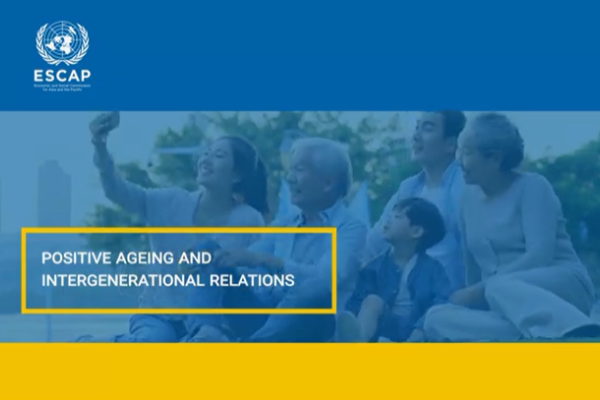
ESCAP launches a new video highlighting the benefits of intergenerational support

Asia-Pacific governments endorse landmark Baku-Bangkok Declaration on advancing societies for all ages